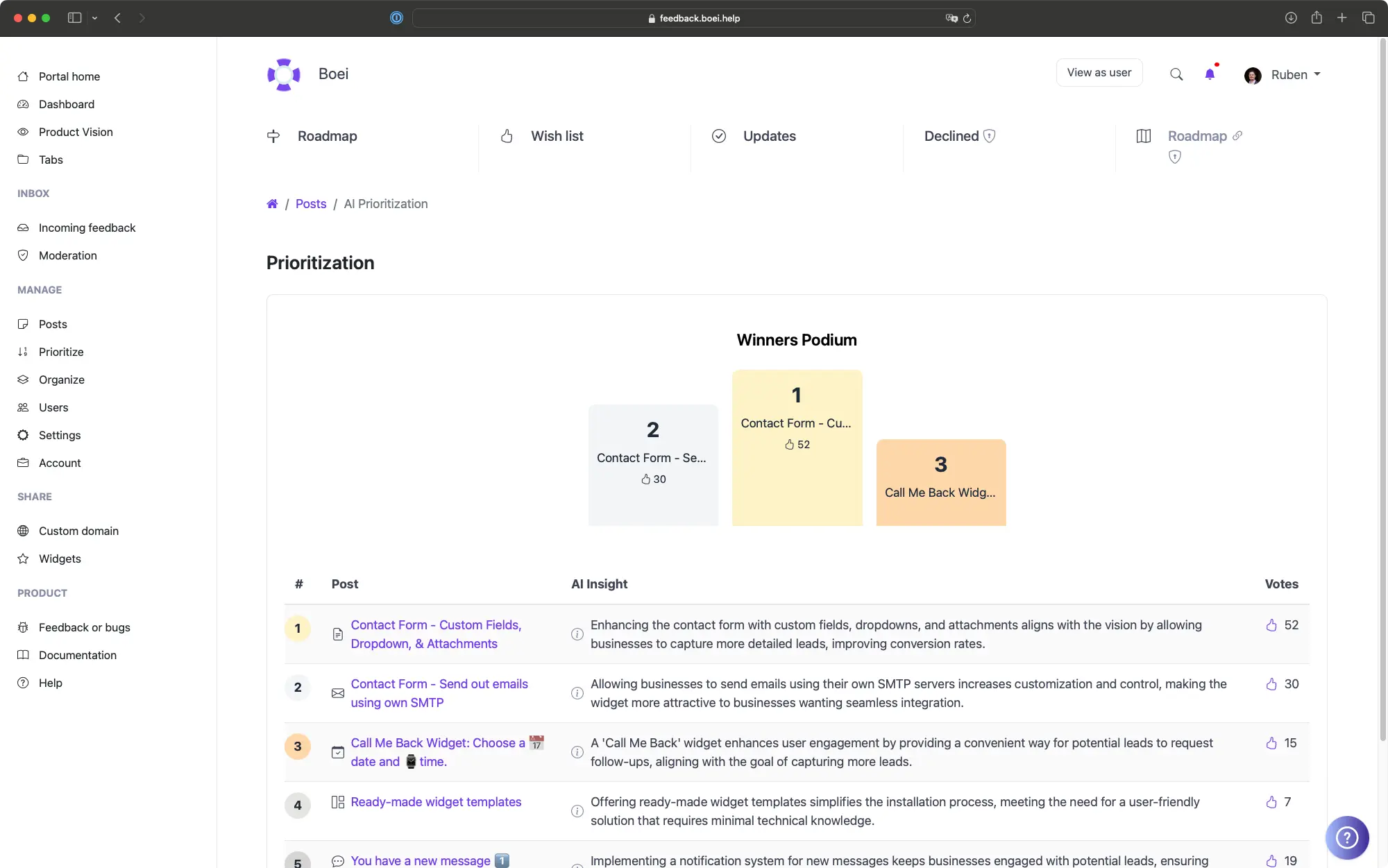
A hosted knowledge base with AI search that embeds on any WordPress page. Zero database load, fewer support tickets, and analytics that show exactly what to write next.
This is a live knowledge base. Search for an article. That is exactly how it works on your WordPress site.
User has a question. They find the answer without contacting support.
Before
With ProductLift
Describe what you need in a conversation with AI. It produces a full article draft with proper structure, tone, and formatting. Any team member can create polished documentation in minutes.
Every search query is logged, including failed searches that found no results. Analytics reveal exactly what documentation is missing so you always know what to write next.
Custom colors, fonts, domain. Remove all ProductLift branding. Custom SCSS for pixel control. Your visitors see your brand, not ours.
5,204
WordPress sites using ProductLift
4.8
Average rating on G2
0
Database tables added to WordPress
Sebastian F.
Entrepreneur
Aaron Dye
Timothy M.
Product Manager
Ben
Product Owner
Marco
Chris R.
Founder
Your users need more than a readme.txt. Setup guides, troubleshooting articles, and configuration references all in one searchable place.
Shipping FAQs, return policies, and product guides organized by category. Analytics show which articles your customers read most.
Onboarding docs, course support, and billing FAQs. A hosted knowledge base loads fast even on membership sites already running dozens of plugins.
Centralized docs for common WordPress tasks: updating content, managing media, basic troubleshooting. Stop answering the same client questions.
One platform for the entire product lifecycle. Each step feeds the next.
Move to Shipped. It becomes a changelog entry. Voters get notified.
WordPress Changelog PluginMost WordPress knowledge base plugins are dumping grounds for articles nobody reads. The problem isn't the content. It is discoverability and the database overhead that comes with traditional plugins.
ProductLift uses AI-powered search to help users find answers instantly, and stores everything outside your WordPress database so your site stays fast. That's why over 3,000 WordPress sites use ProductLift.
Ruben Buijs
Founder of ProductLift
Knowledge base plugins like BetterDocs and Echo Knowledge Base are popular, but they come with a tradeoff: performance overhead. Every traditional KB plugin adds custom post types, taxonomy tables, and database queries that slow down WordPress as your documentation grows. ProductLift provides a hosted knowledge base that embeds directly into any WordPress page, keeping your database clean and your page loads fast.
Traditional plugins create 3 to 5 custom database tables, register new custom post types, add taxonomy tables for categories and tags, and run additional queries on every page load. As your documentation grows to hundreds of articles, this overhead becomes significant. ProductLift stores all content on its own infrastructure, so your WordPress database stays exactly as lean as it was before.
You also get features WordPress plugins lack: AI-powered search with fuzzy matching and synonym recognition, analytics that reveal content gaps and failed search queries, and a direct connection to your feedback board and roadmap so common support questions can become tracked feature requests.
WordPress Plugin Developers: When you publish a plugin to the WordPress.org repository, your users need more than a readme.txt file. They need setup guides, troubleshooting articles, configuration references, and integration tutorials. With ProductLift, you maintain all of that documentation alongside your feature request board and changelog. When a user submits feedback asking for a feature that already exists, you can link them directly to the relevant knowledge base article.
WooCommerce Stores: Online stores generate repetitive support questions: return policies, shipping times, order tracking, size guides. A knowledge base organized by category (Orders, Shipping, Returns, Products) eliminates these tickets. ProductLift's analytics show you which articles get the most views, revealing exactly what your customers care about most.
Membership and LMS Sites: Sites running LearnDash, MemberPress, or Restrict Content Pro need onboarding documentation that helps new members get started. A knowledge base can cover account setup, course navigation, billing questions, and technical requirements. Because the content lives outside WordPress, it loads fast even on membership sites already running dozens of plugins.
WordPress Agencies: Agencies managing multiple client sites can build a centralized knowledge base covering common WordPress tasks: updating content, adding pages, managing media uploads, and basic troubleshooting. Instead of answering the same client questions repeatedly, point them to your documentation portal.
See what else you can add to your WordPress site
Set up your knowledge base in 5 minutes. Your first article could be live today.