An AI-powered knowledge base for your Weebly site. Users search and find answers instantly. Zero database load, zero performance impact.
This is a live knowledge base. Try searching for an article. That is exactly how it works on your Weebly site.
Users find answers on their own. Your support team focuses on what matters.
Before
With ProductLift
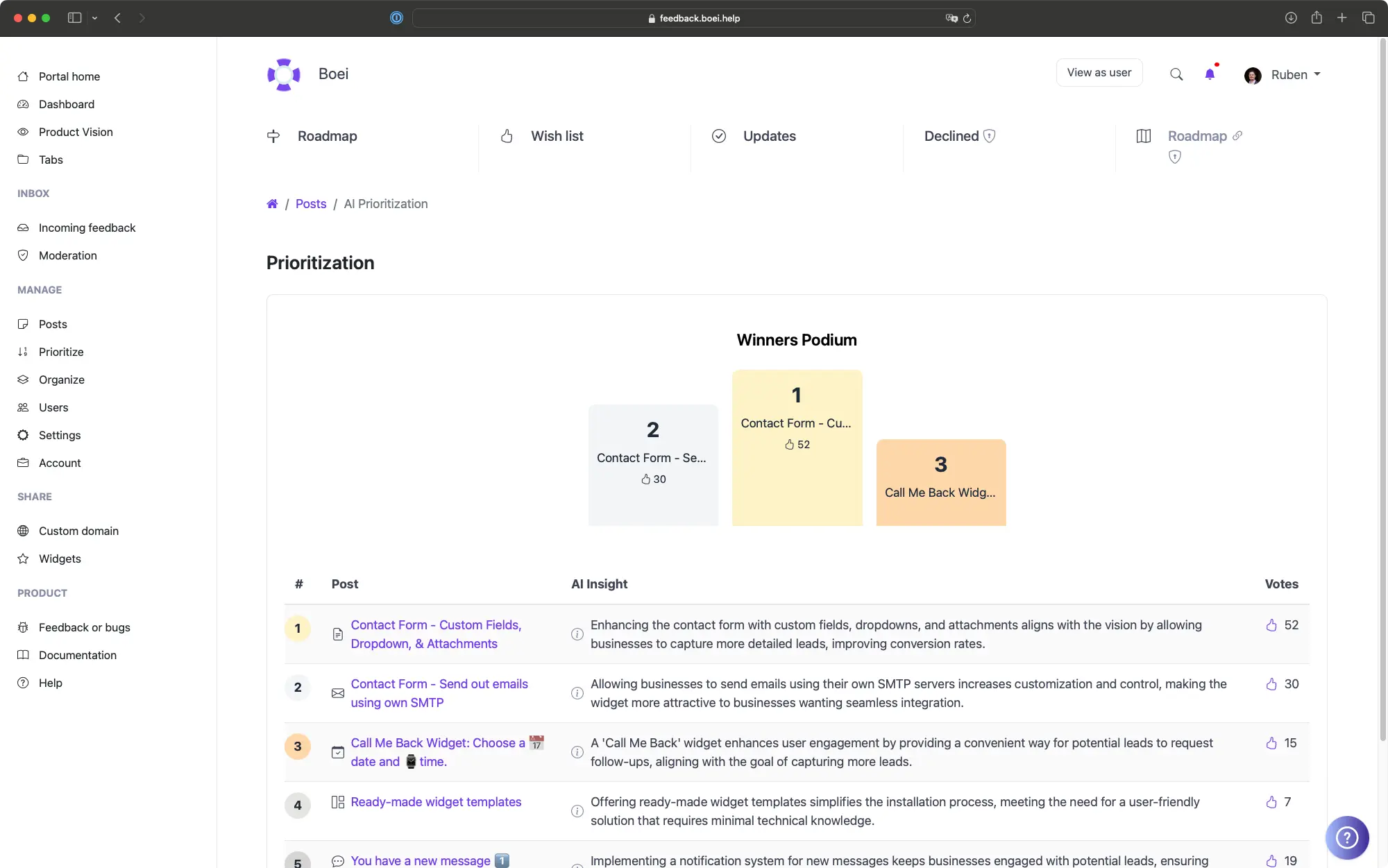
Talk to AI to generate help articles for your Weebly site. Any team member can create polished documentation in minutes, not hours.
Analytics log every search query on your Weebly knowledge base, including failed searches. Know exactly which articles to write next.
Custom colors that match your Weebly site design. Custom fonts, custom domain. Remove all ProductLift branding. Your visitors see your brand, not ours.
5,204
Teams using ProductLift knowledge bases
4.8
Rating on G2 and Capterra
5 min
To set up on Weebly
Sebastian F.
Entrepreneur
Aaron Dye
Timothy M.
Product Manager
Ben
Product Owner
Marco
Chris R.
Founder
Reduce support tickets with self-service documentation. Onboard new users faster with structured guides.
Create client-facing documentation covering how to update content, manage their site, and handle common tasks.
Help customers get started with your products. Onboarding guides, FAQs, and troubleshooting articles reduce support load.
One platform for the entire product lifecycle. Each step feeds the next.
Drag items to Planned. Voters see the status change.
Weebly Product Roadmap App
Move to Shipped. It becomes a changelog entry. Voters get notified.
Weebly Changelog AppUsers of website builders expect things to be simple. That includes finding help. If your knowledge base search returns irrelevant results, users give up and file a support ticket instead.
ProductLift uses AI-powered search that understands intent, handles typos, and recognizes synonyms. Combined with analytics showing content gaps, you build documentation that actually reduces support load.
Ruben Buijs
Founder of ProductLift
Small businesses on Weebly answer the same questions repeatedly through email and phone: What's your return policy? How do I track my order? Do you offer custom sizes? A knowledge base turns those frequent answers into self-service articles that customers find on their own. That frees up your time to focus on running the business instead of typing the same response again.
Weebly's built in pages are designed for marketing content, not structured documentation. A knowledge base needs categories, search functionality, and organized hierarchies that static pages can't provide. ProductLift gives your Weebly site a professional help center with AI powered search that understands how customers phrase their questions.
Setting up a knowledge base on your Weebly site takes the same embed approach as adding a map or video. Paste the code into an embed element and publish. Customers search for answers directly on your site without being redirected elsewhere. For businesses that want a separate help portal, host on a subdomain like help.yourbusiness.com.
Every question a customer answers on their own is a support email you don't have to write. For small business owners juggling multiple roles, a knowledge base isn't a luxury. It's a time saving tool that pays for itself by reducing repetitive support work, especially during busy seasons when customer inquiries spike.
See what else you can add to your Weebly site
Create your knowledge base in 5 minutes. AI writes the first draft.